
openDCIM alternative
Migrate from openDCIM without losing the floor
ColdAisle is on-prem DCIM for cabinets, power, cabling, and SNMP — with a full openDCIM import. Test the API, preview a dry-run, then run. Mode A merges into the data center you already laid out and never overwrites cabinet floor positions.
In the running app
Test, preview, then commit
Live openDCIM API when the old box is reachable, or offline JSON dumps when it is not. Optional: data ports, CDUs / power maps, cabinet audits, template images, disposed devices.
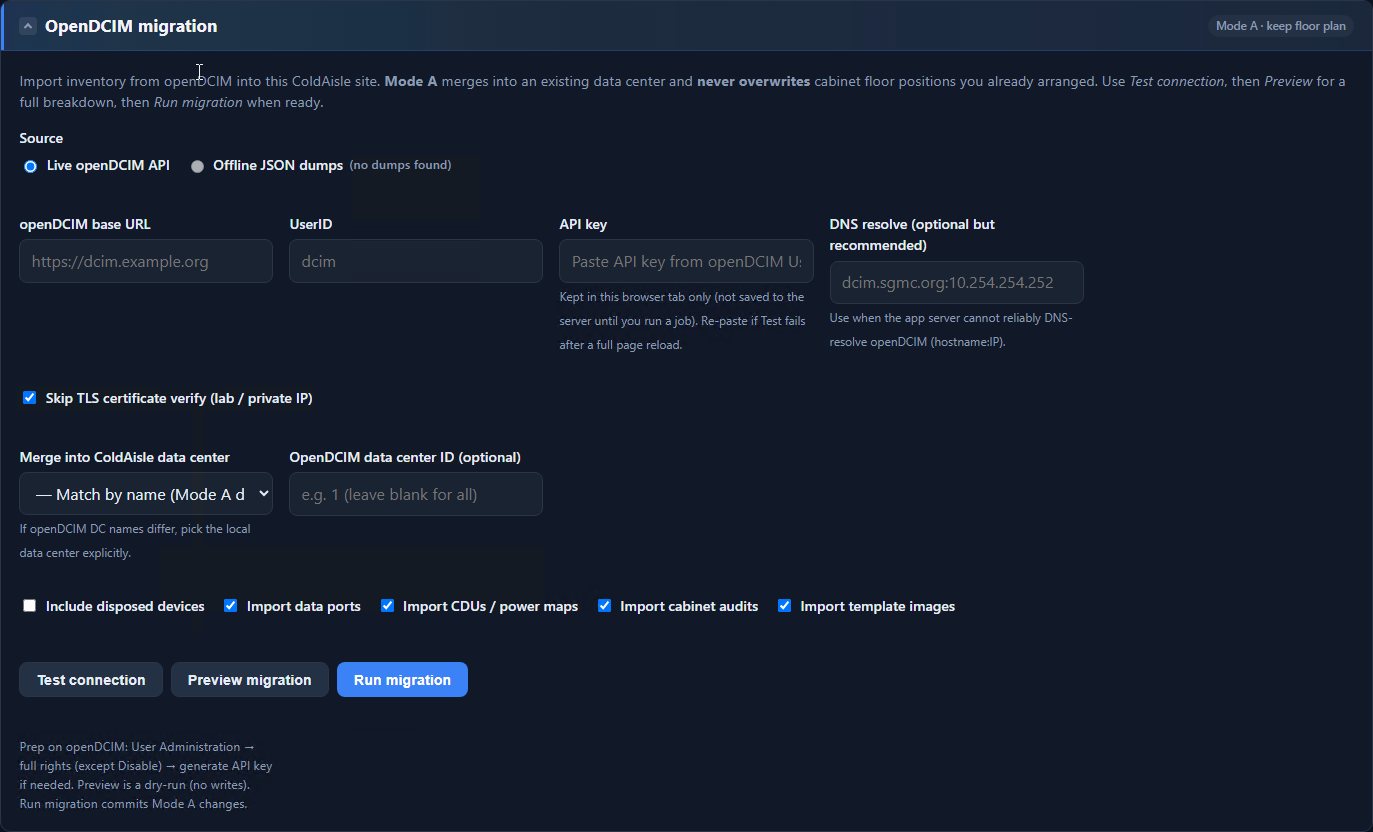
How the migration works
- Point ColdAisle at your openDCIM API, or upload JSON dumps.
- Test the connection. Nothing is written yet.
- Preview a dry-run of what will come across.
- Run. Mode A keeps the floor plan you already placed in ColdAisle.
Hall size is still meters on the canvas. The import fills inventory, power maps, and the rest — it does not shove racks around because a source system used different units.
ColdAisle vs openDCIM
Honest, not a hit piece. openDCIM still works. ColdAisle is what we built after running it on a real floor.
| openDCIM | ColdAisle | |
|---|---|---|
| License | GPL | MIT |
| Where it runs | LAMP (typically) | Your Windows box: IIS + PHP + SQL Server |
| Hosting model | Self-hosted | Self-hosted. No ColdAisle cloud. |
| Floor | Cabinet inventory | 2D planner + 3D hall, raceways, heat spheres |
| Power | CDUs / nameplates | Zones, PDU telemetry, outlets, UPS, alerts |
| SNMP | Limited / add-ons | v2c/v3, MIB upload, Discover, scheduled poll |
| First hour | Manual + wiki | Setup wizard + live-UI tour |
| Leaving openDCIM | — | API or JSON. Preview first. Mode A keeps your floor. |
Install it, then import
PowerShell installer, setup.php, wizard, tour — then Settings for the openDCIM job. This website is not the application.